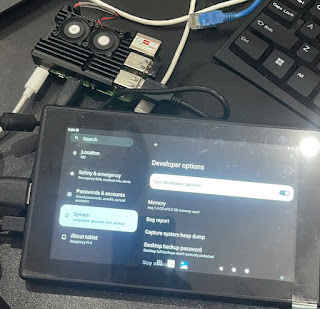
- 1[Android] 1. How to build Android 13 for the Raspberry Pi 4· I followed the build guide on Phú's blog (vinalinux.com.vn) step by step; this post is a note of the build errors I ran into and how I got past them.
- 2[Android] 2. How to connect to the Raspberry Pi 4 with ADB (Android Debug Bridge)· Install adb on the host, enable USB debugging on the Pi, then adb devices / adb root / adb shell.
- 3[Android] 3. How to connect to the Raspberry Pi 4 over SSH· Install Termux through adb, start sshd on the board, then ssh in on port 8022.
- 4[Android] 4. How to change the boot animation on Android 15 / Raspberry Pi 4· How bootanimation.zip works (desc.txt, parts, fps, loop), cutting frames from a video with ffmpeg, and copying the result to /system/media on the board.