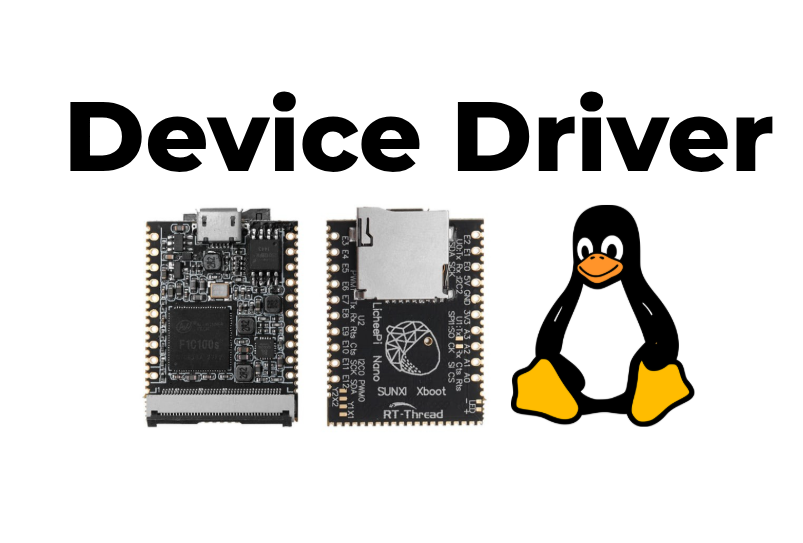
- 1[Device-Driver-Lichee] 1. Build the image and flash it to the board· Building U-Boot and the kernel for the LicheePi Nano (F1C100s) without Yocto, using a ready-made rootfs, then partitioning and flashing the SD card.
- 2[Device-Driver-Lichee] 2. Blink an LED with gpioset, create an LED node in the Device Tree· LicheePi Nano pinout and GPIO numbering, blinking an LED with libgpiod's gpioset, then claiming the pin with a gpio-leds node in the device tree and driving it through sysfs.
- 3[Device-Driver-Lichee] 3. Gpioget, controlling an LED with a button· Reading a pin with gpioget, controlling the LED by polling, then switching to interrupts with a gpio-keys node in the device tree and evtest.